Accessing an external SharePoint site is easy. Simply accept the invite and access the site.
Accepting the Site Invitation
Below details the steps:
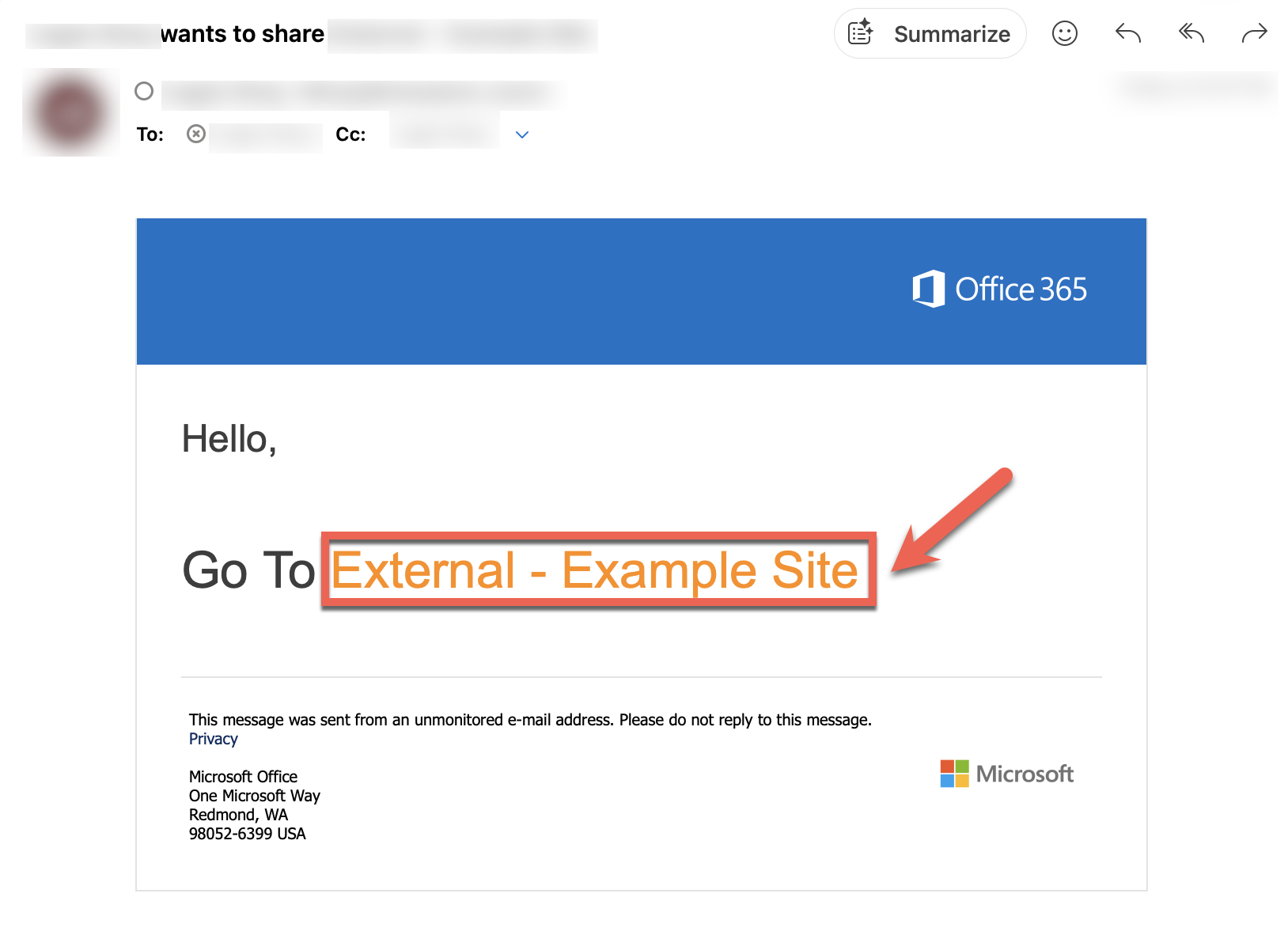
- After verifying the source, click the link in the email from the person who shared the site
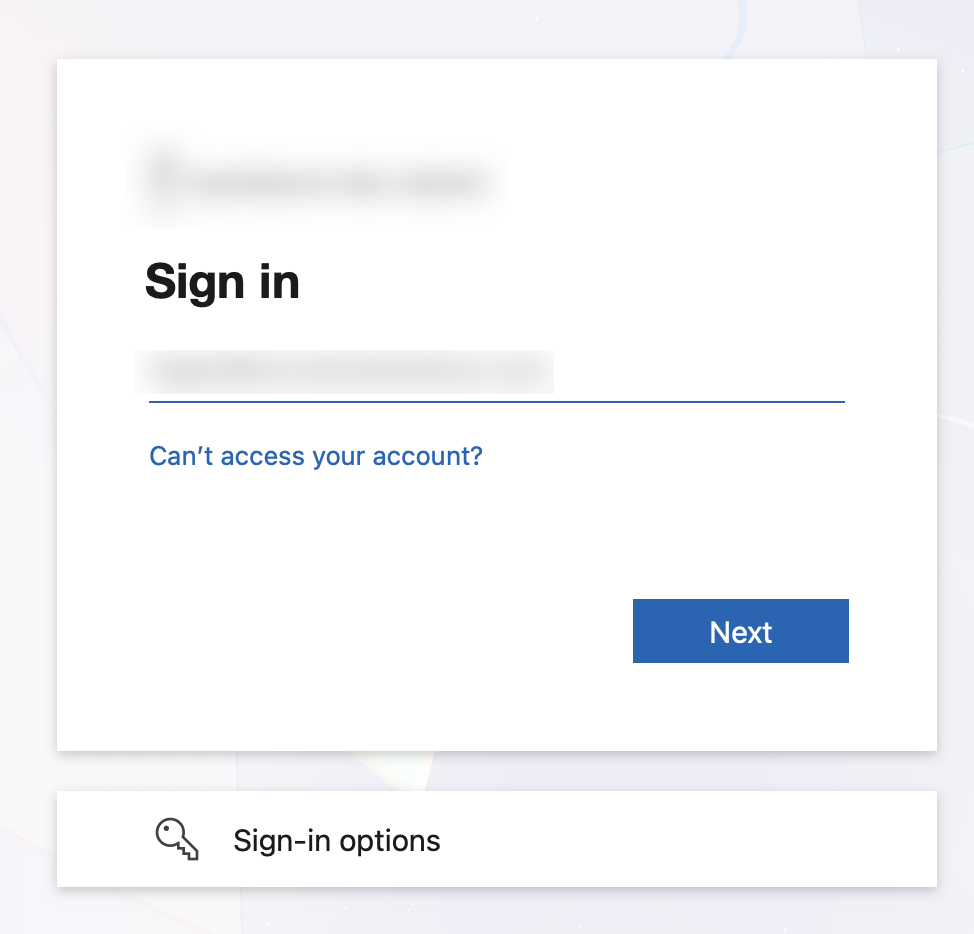
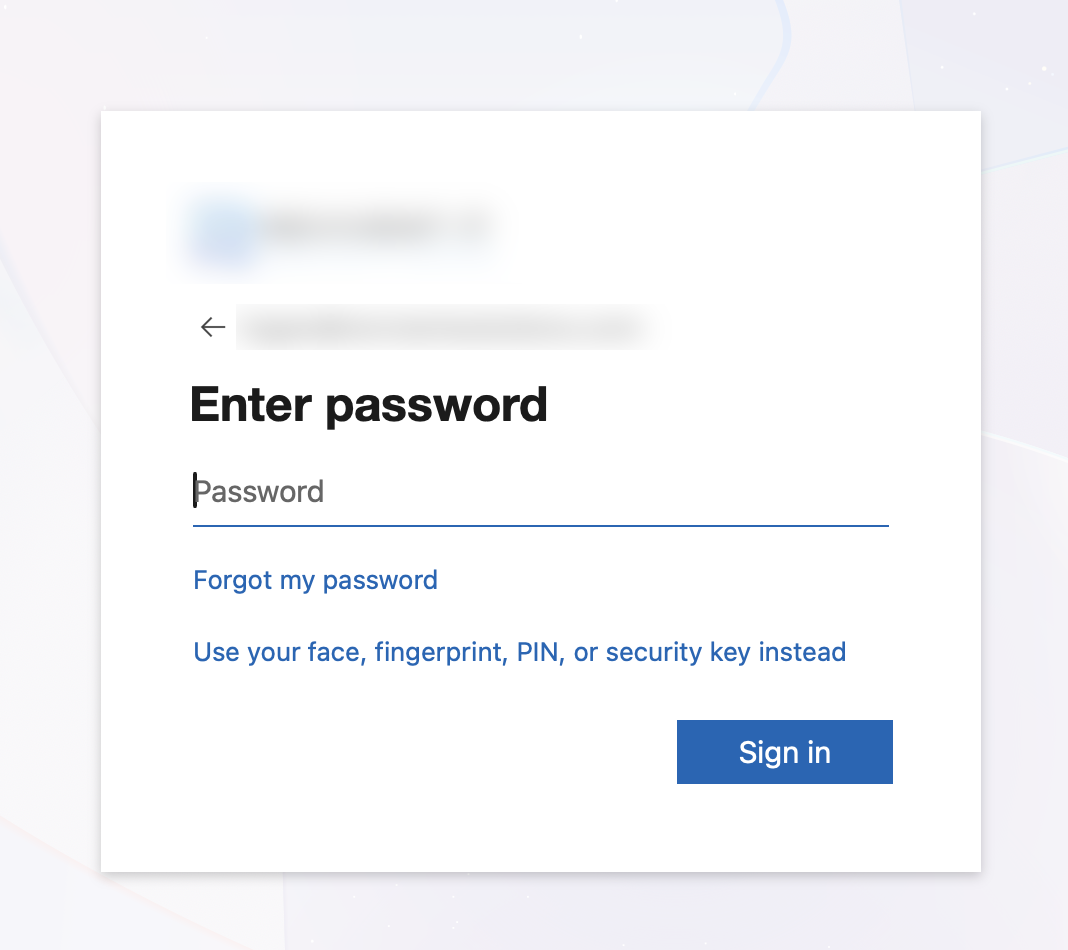
- Enter your username and password to sign into your organization's Microsoft 365 account
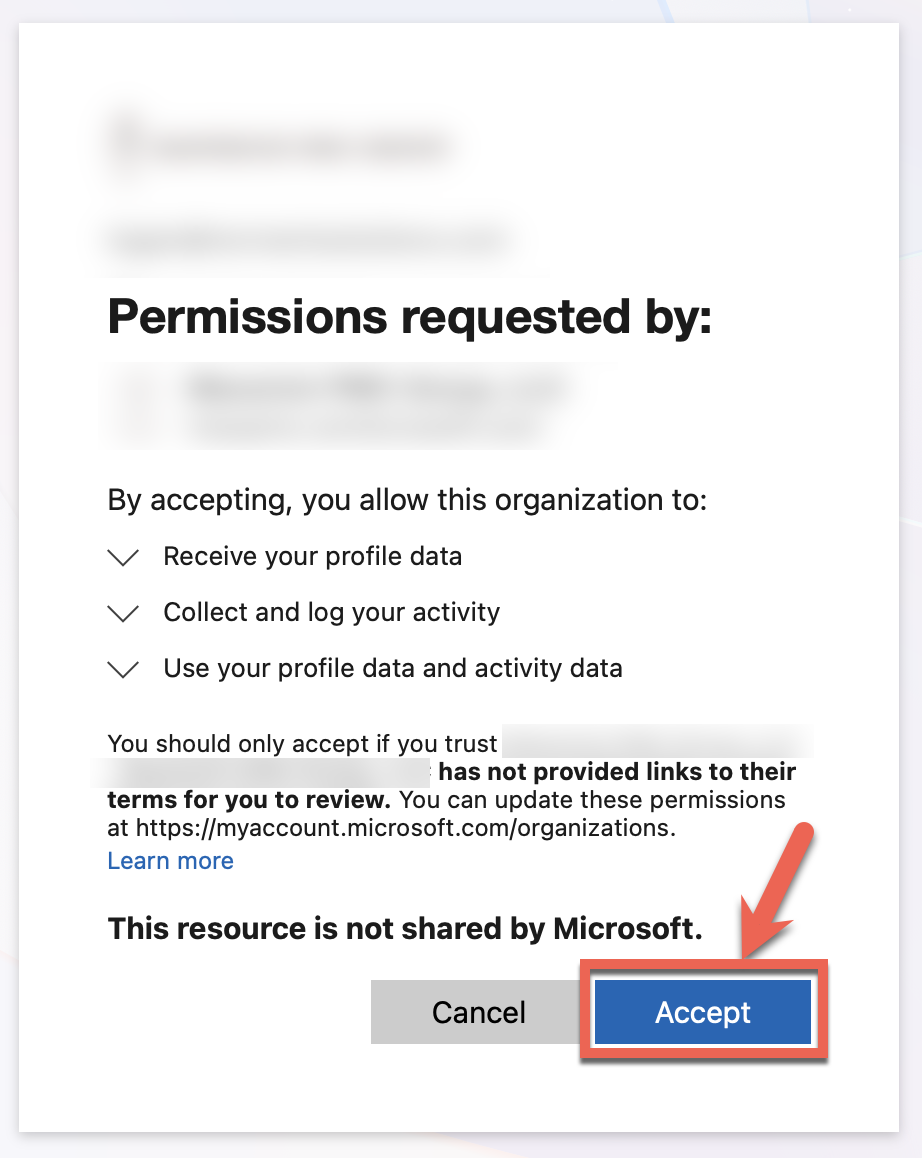
- When prompted for permissions, click Accept
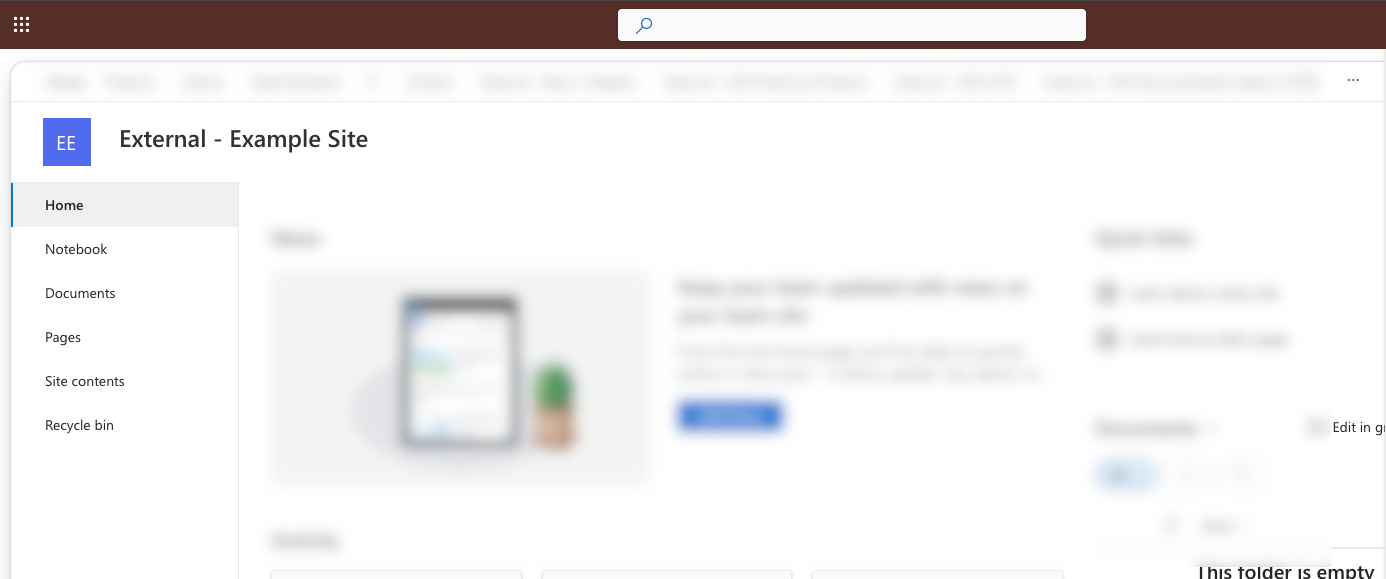
- You should now be on the requested site
Troubleshooting
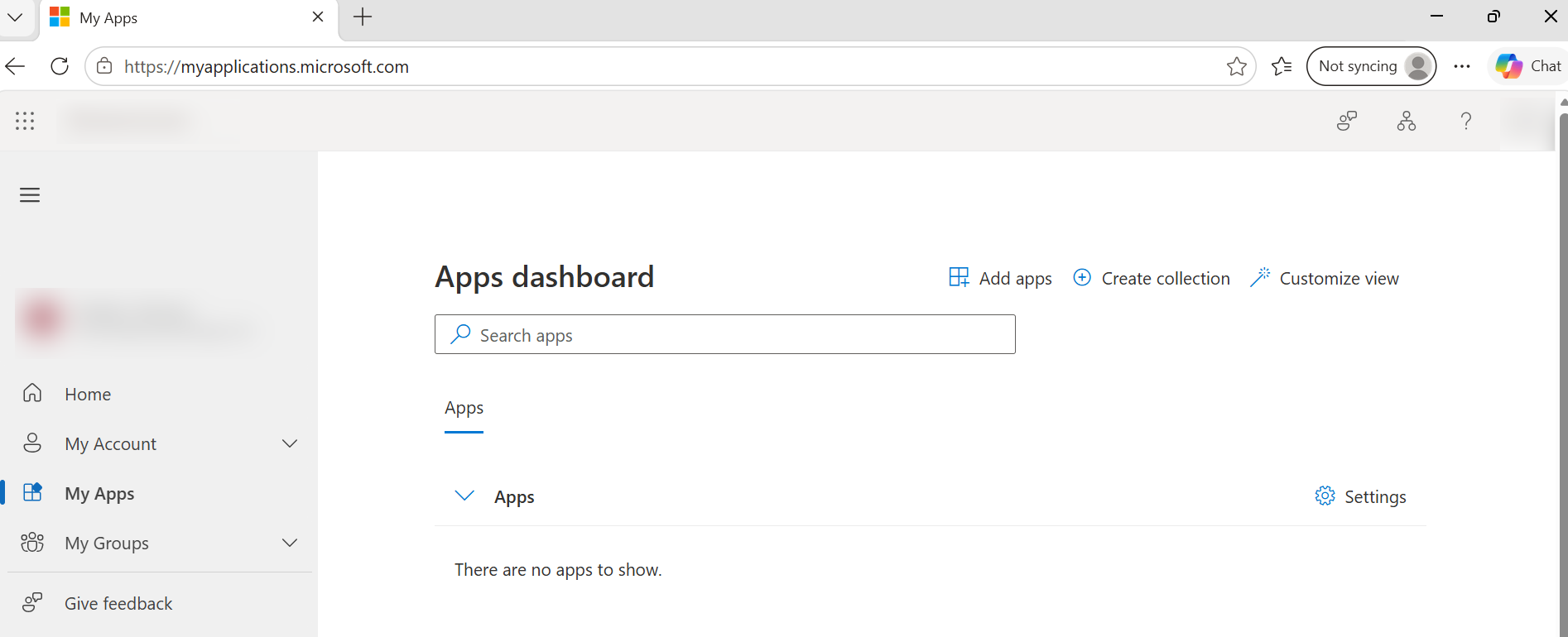
Landing on "My Apps" Page
If you are for any reason land on a "My Apps" webpage, simply visit the site link directly. You can ask the site owner to provide this to you.
Something went wrong
If at any time you click "cancel" during the sign-in process, you may encounter the below error:

To resolve this error, click on the invitation link to the site again, then ensure you "Accept" the permissions when prompted.
Was this article helpful?
That’s Great!
Thank you for your feedback
Sorry! We couldn't be helpful
Thank you for your feedback
Feedback sent
We appreciate your effort and will try to fix the article