If your organization has provided you with access to UniFi Endpoint VPN, you will need to complete this one-time setup process on the computer you plan to work from:
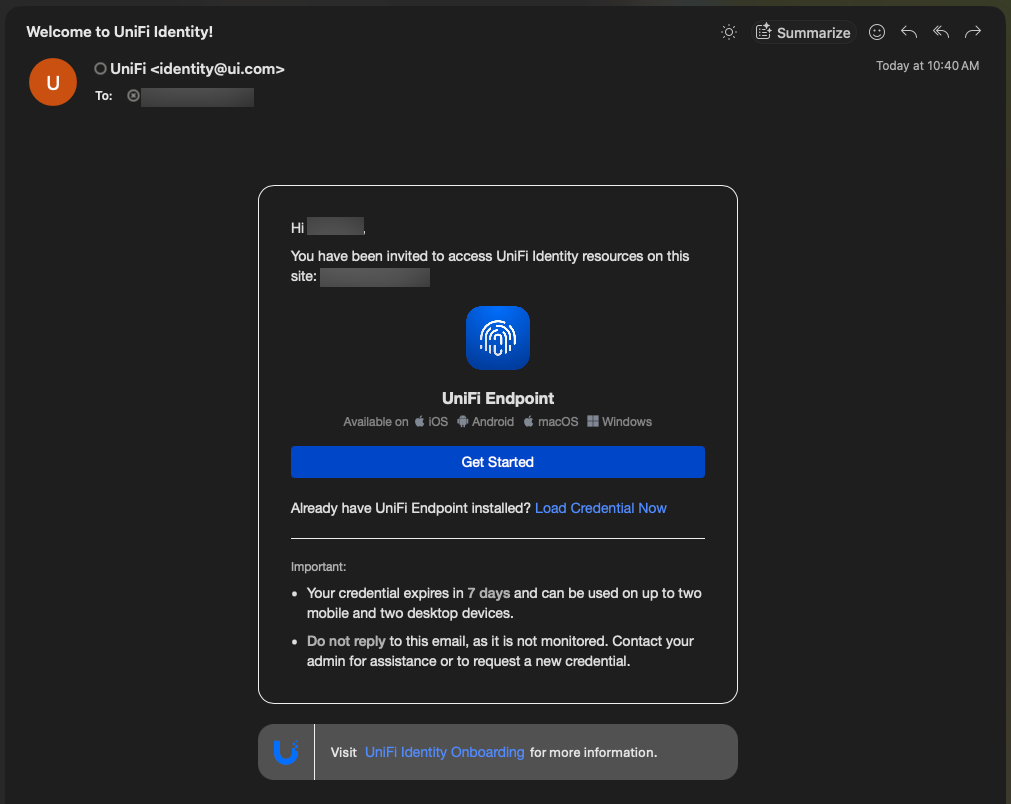
- Open your email and find the message titled Welcome to UniFi Identity- if you have not received this message please contact your admin
- Choose the Get Started link in the message
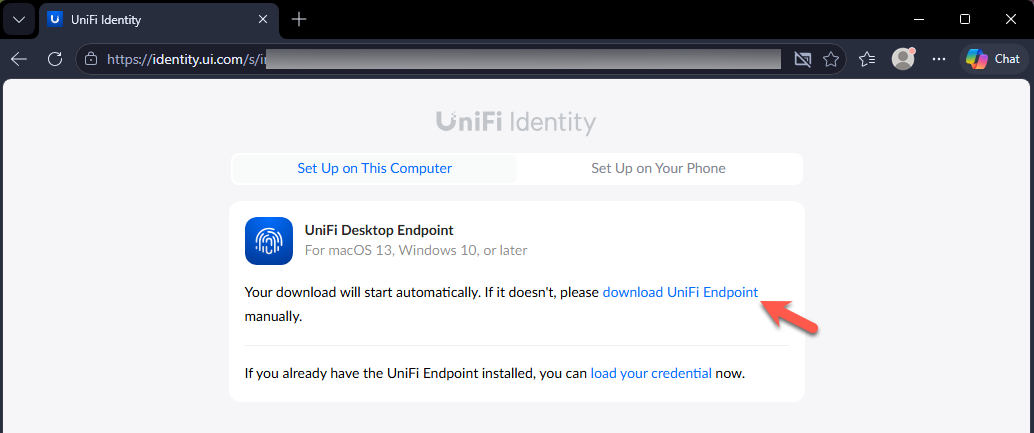
- Follow the steps on the invitation to download UnFi Endpoint - this is the VPN client that enables secure access to your organization's resources
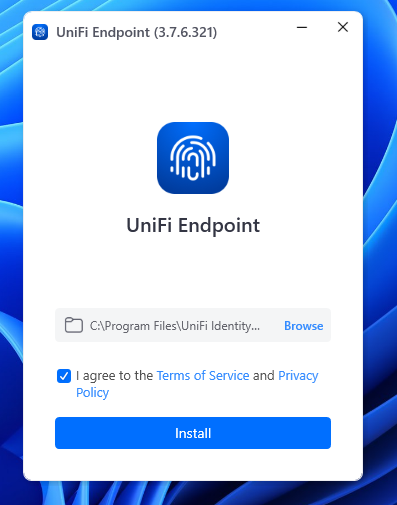
- Run the downloaded file, and follow the prompts to install
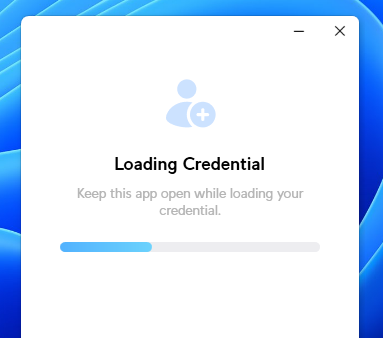
- Once installed, return to the invitation in your browser and choose load credential now
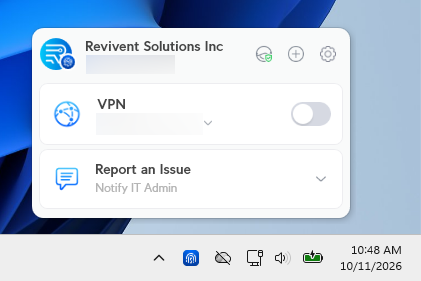
- Once you see your information in the lower right hand corner of the screen, the process has completed successfully. You should not need to complete this process again unless you receive a new computer.
Was this article helpful?
That’s Great!
Thank you for your feedback
Sorry! We couldn't be helpful
Thank you for your feedback
Feedback sent
We appreciate your effort and will try to fix the article